
Accessibility Hub


Making Education Accessible for Everyone
At SEMO, we believe every student deserves equal access to learning. Our accessibility team helps create digital content that works for everyone. Whether you're a student, parent, or campus staff member, you'll find the tools and support you need here.
Find Your Starting Point

-

Website and Digital Content
Learn to make websites that work for everyone. Get tips for images, PDFs, and text that all students can access easily. Perfect for staff who manage web content.
-
Course Content and Teaching
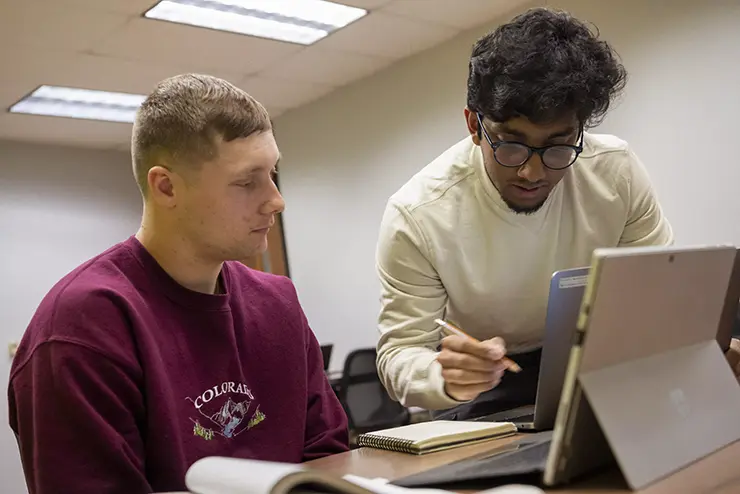
Help faculty create course materials that work for all learning styles. From PDFs to presentations, make sure every student can succeed in your classes.
-
Social Media and Videos
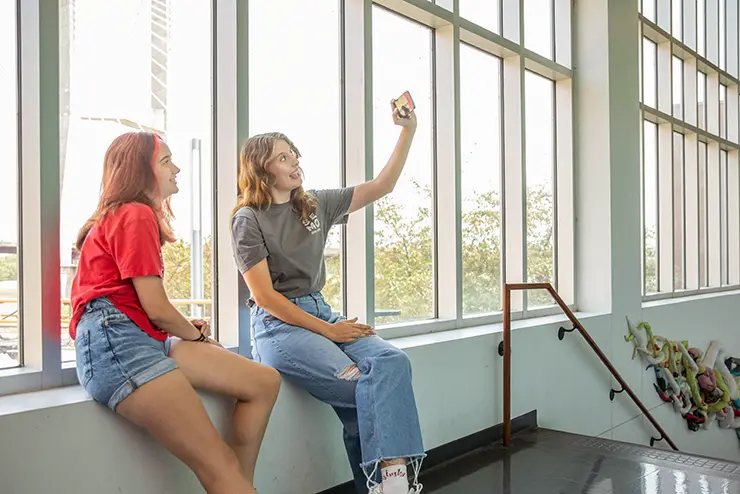
Make your social posts reach every student. Add captions to videos, write clear text, and use images that tell a story. Great for marketing and student life teams.
-

Tools and Quick Help
Get instant access to checklists, online tools, and contact info. Perfect when you need fast answers or want to check if your content works for everyone.
Why Accessibility Matters at SEMO
One in four college students has a disability that affects their learning. When we make content accessible, we help these students succeed while making things better for everyone else too. SEMO follows national standards to make sure our documents, websites, courses, and social media work with screen readers and other helpful tools.
Document Accessibility
-

Word Accessibility
Microsoft Word has the tools you need to make your documents accessible right from the start. You can use Word to help others access your information as seamlessly as possible using Word Accessibility.
-
PowerPoint Accessibility
PowerPoint decks need to meet WCAG 2.1 AA accessibility requirements.Most accessibility can be completed without any additional software and can be done using PowerPoint Accessibility.
-
PDF Accessibility
Online information is best shared in a webpage, however any online PDF must meet WCAG 2.1 AA accessibility requirements. At SEMO, we use Adobe Acrobat Pro to check for PDF Accessibility.
-
Web Forms
On the web, forms are used as a primary source of communication. You can create a Microsoft Form or submit a ticket in the IT Ticketing System to add or edit a Cognito Form or IT Workflow.